 OpenAdapt
Download OpenAdapt
Install from PyPI with uv or pip; it's the supported way to install OpenAdapt, and the packages carry PyPI publish attestations. uvx --python 3.12 openadapt quickstart --break-it runs it once. The native desktop installers are an unsigned preview, so your system warns you before it opens one.
Updated 2026-10-18
Install from PyPI (supported)
Run this first. It makes one entry in MockMed, a synthetic clinic app, and checks it, then rejects a save on purpose so you can see the run stop and report Check the record.
uvx --python 3.12 openadapt quickstart --break-itTo keep it installed, with uv:
uv tool install --python 3.12 openadaptOr with pip, on Python 3.10 to 3.12:
pip install openadaptThen run openadapt quickstart --break-it.
The packages on PyPI (openadapt, openadapt-flow, openadapt-desktop and the rest) are published with PyPI attestations, which tie each file to the source build that made it. More on Start.
Desktop installers: unsigned preview
The native installers aren't code-signed. The Windows and Linux builds are unsigned and the macOS builds are ad hoc signed, so your system warns you before it opens one. To open one anyway: on macOS, right-click the app and choose Open; on Windows, at the SmartScreen warning choose More info, then Run anyway. Use the preview with test data, not real patient or member data.
Windows installers will be signed through SignPath Foundation. Until then, the installers are unsigned. Code signing policy
Latest desktop release with installers: openadapt-desktop-v0.22.0, published 20 Oct 2026.
- Unsigned
Windows (x64)
OpenAdapt-Desktop-Candidate-v0.22.0-windows-x86_64-unsigned.msi · 109 MB
Get it from the GitHub release - Not notarized
macOS (Apple Silicon)
OpenAdapt-Desktop-Candidate-v0.22.0-macos-arm64-adhoc.dmg · 111 MB
Get it from the GitHub release - Not notarized
macOS (Intel)
OpenAdapt-Desktop-Candidate-v0.22.0-macos-x86_64-adhoc.dmg · 114 MB
Get it from the GitHub release - Attested
Linux (x64)
OpenAdapt-Desktop-Candidate-v0.22.0-linux-x86_64-github-attested.AppImage · 210 MB
Get it from the GitHub release
Desktop 0.19.0 (17 Oct 2026) and the releases since 0.15.0 ship as a Python package on PyPI, without installers; the cards show the latest release that has them. All desktop releases on GitHub
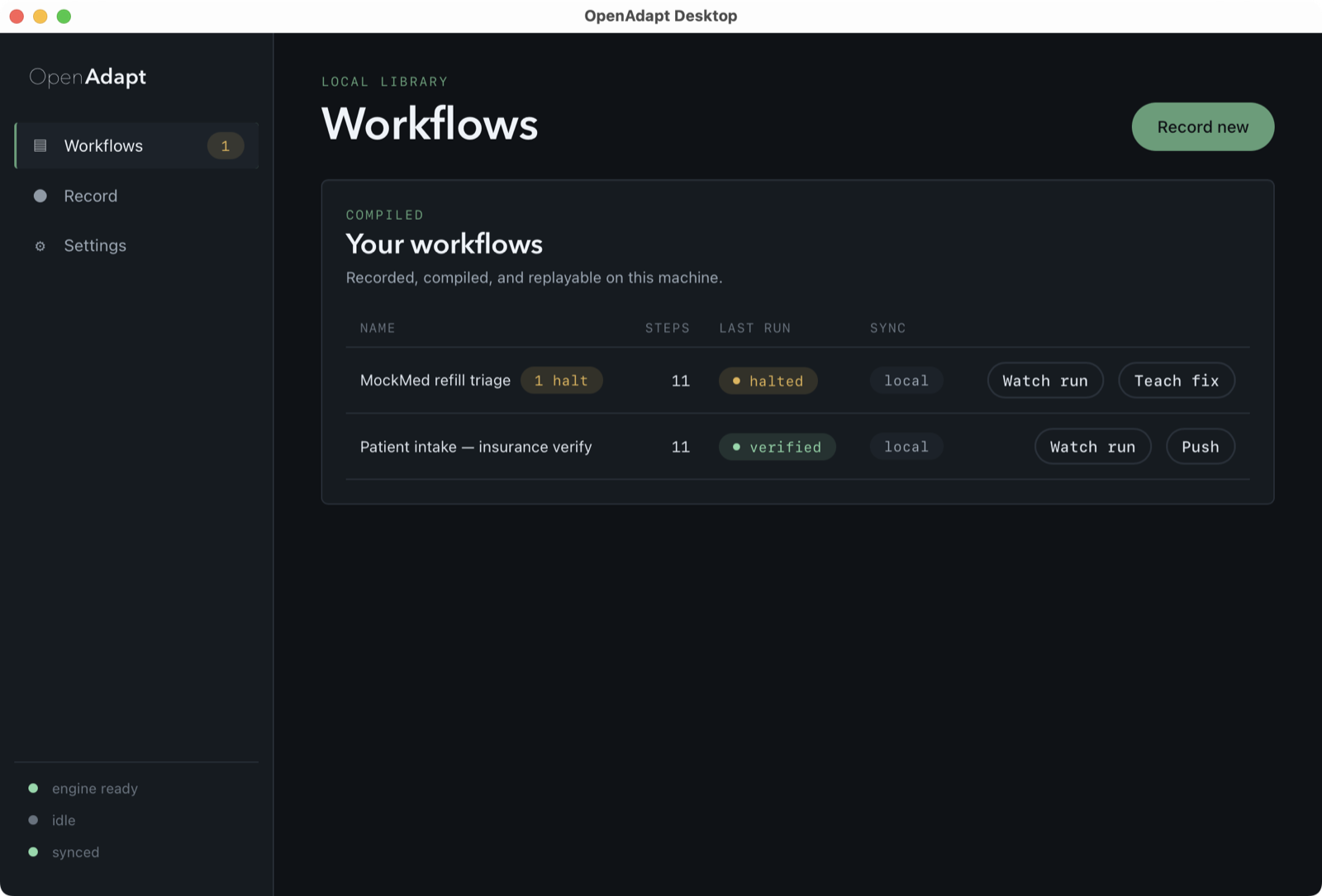
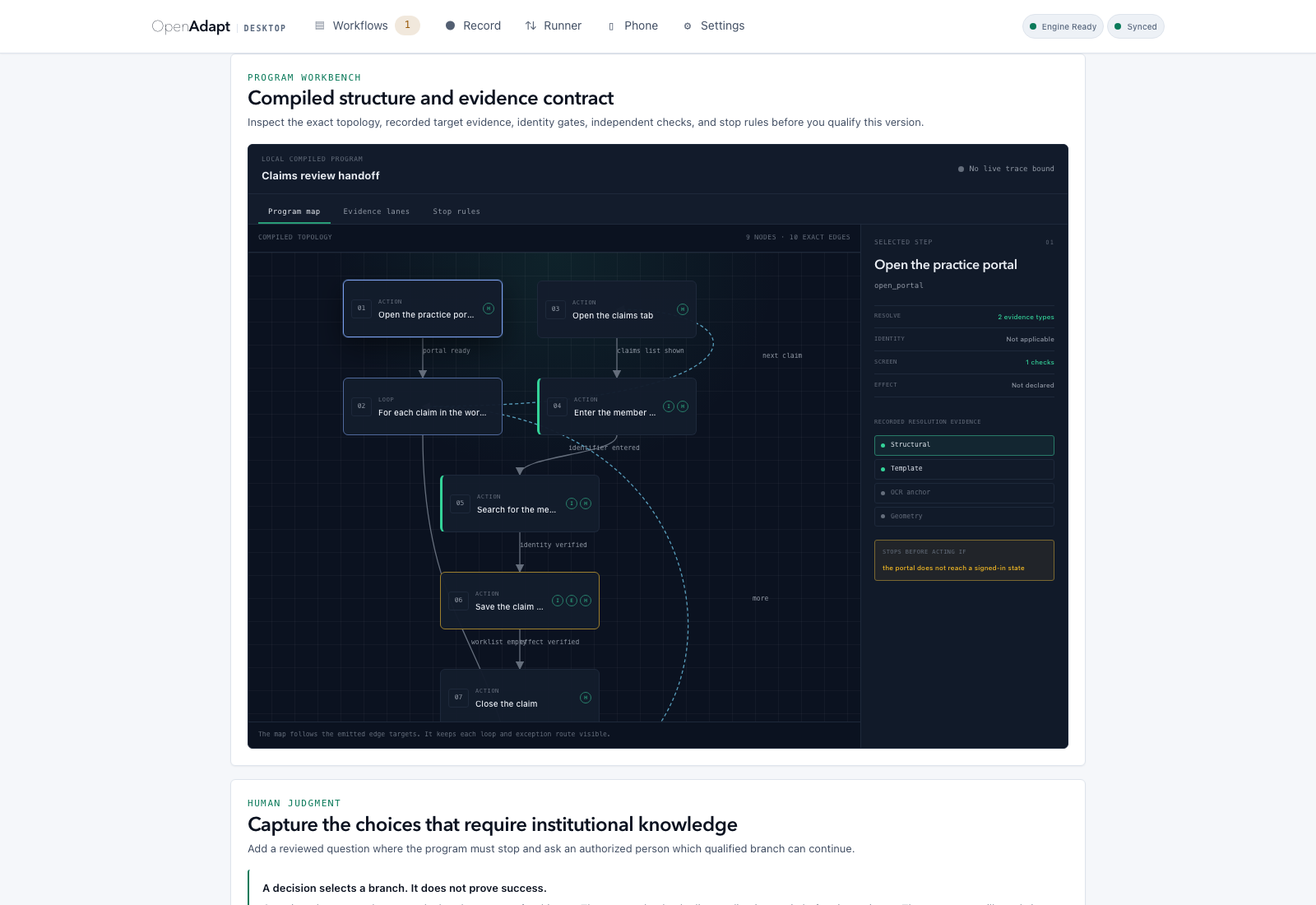
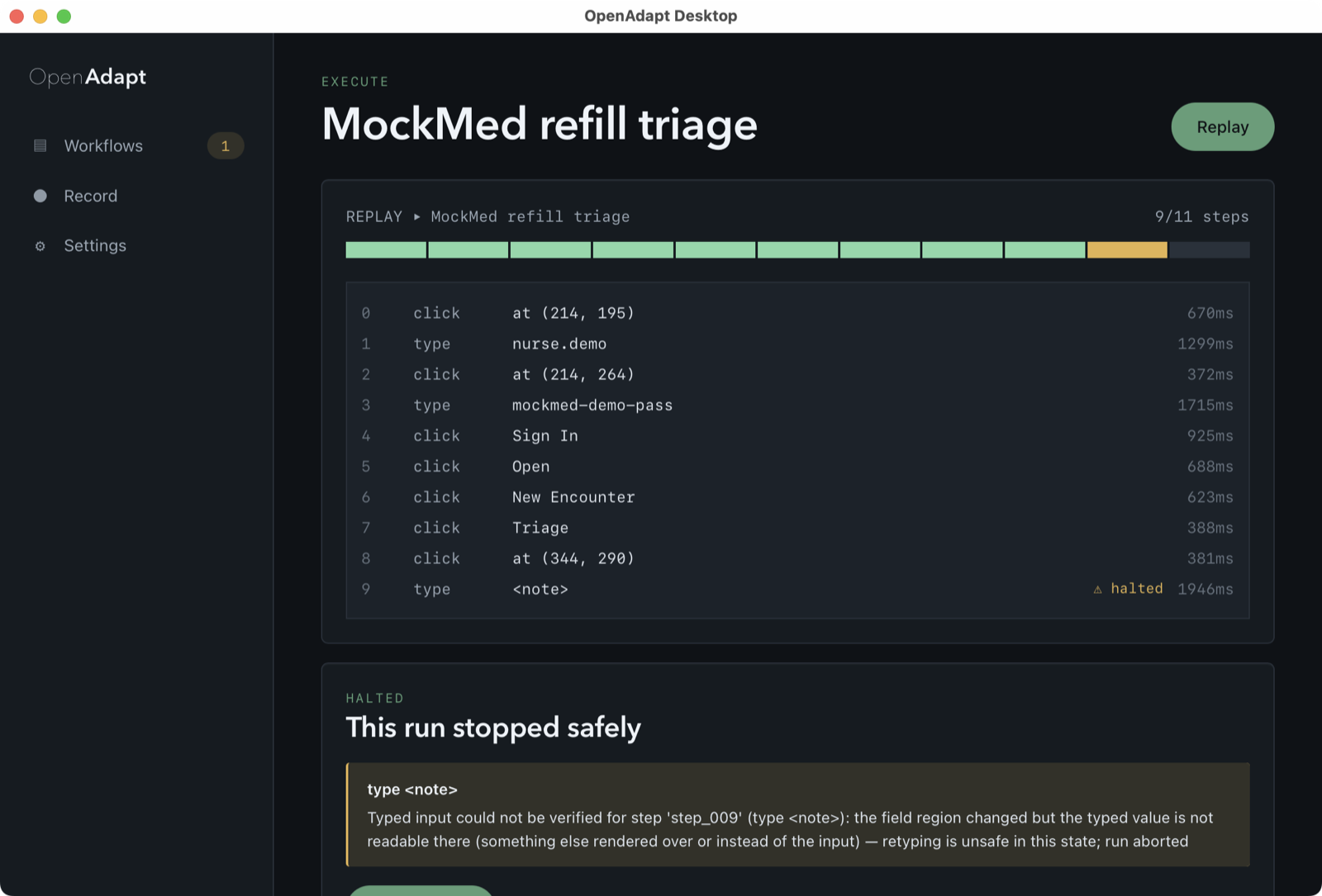
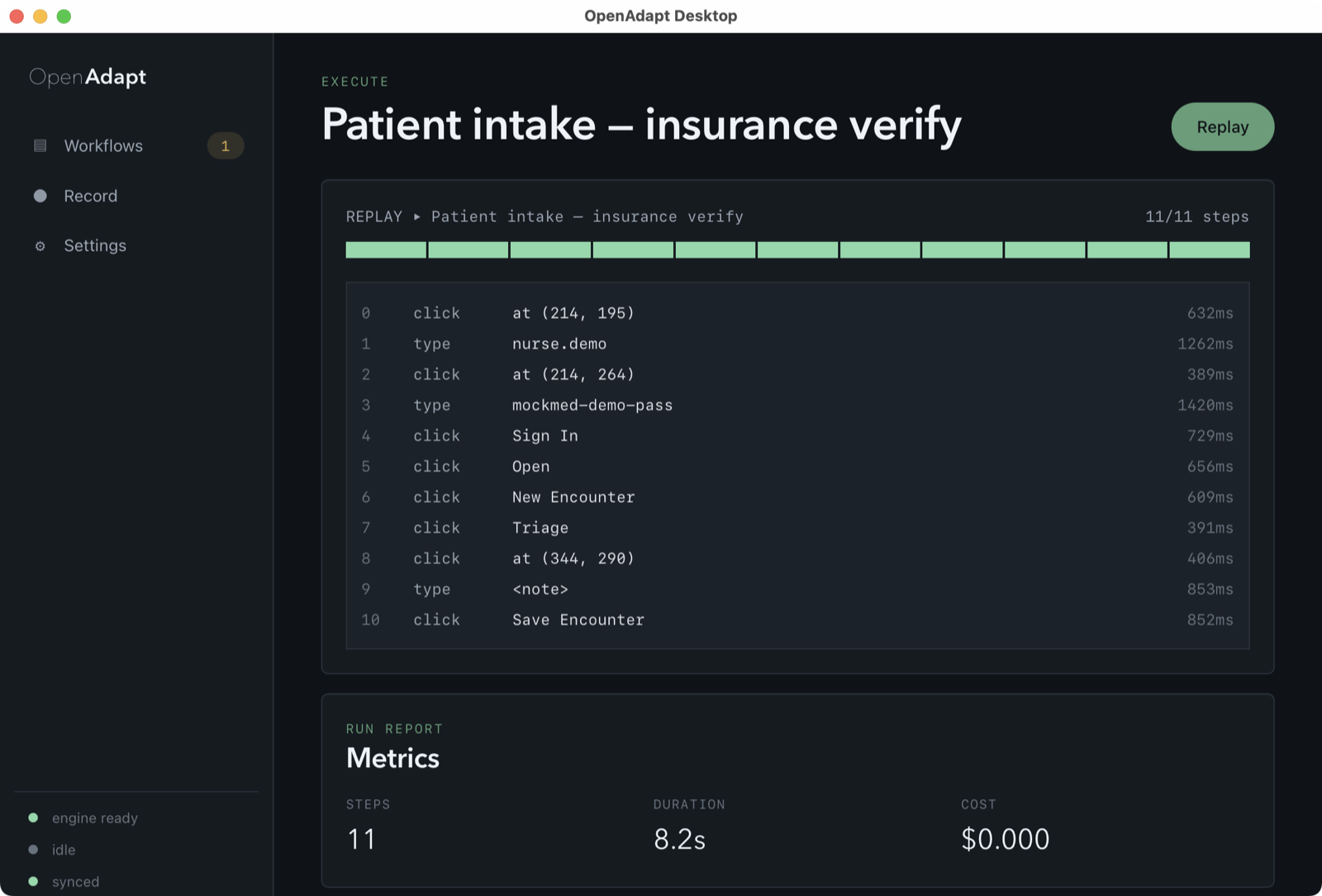
What the desktop app looks like
Screenshots of OpenAdapt Desktop 0.15, the latest installer build, with synthetic sample data. They don't show a customer, a recording or a live run.
Downloads so far
201,471PyPI downloads of 12 OpenAdapt packages since Aug 2023, excluding mirrors
Source: ClickHouse public PyPI dataset (ClickPy), daily downloads 10 Aug 2023 to 31 Oct 2026.
- 555openadapt package downloads from PyPI in the last month
- 7,519Downloads of all 12 OpenAdapt packages from PyPI in the last month
Counts come from GitHub and pypistats.org, and refresh about once an hour.
See it on your process
Bring one task your team types every day. We'll tell you whether it fits, and what a test on your own system would cover.